
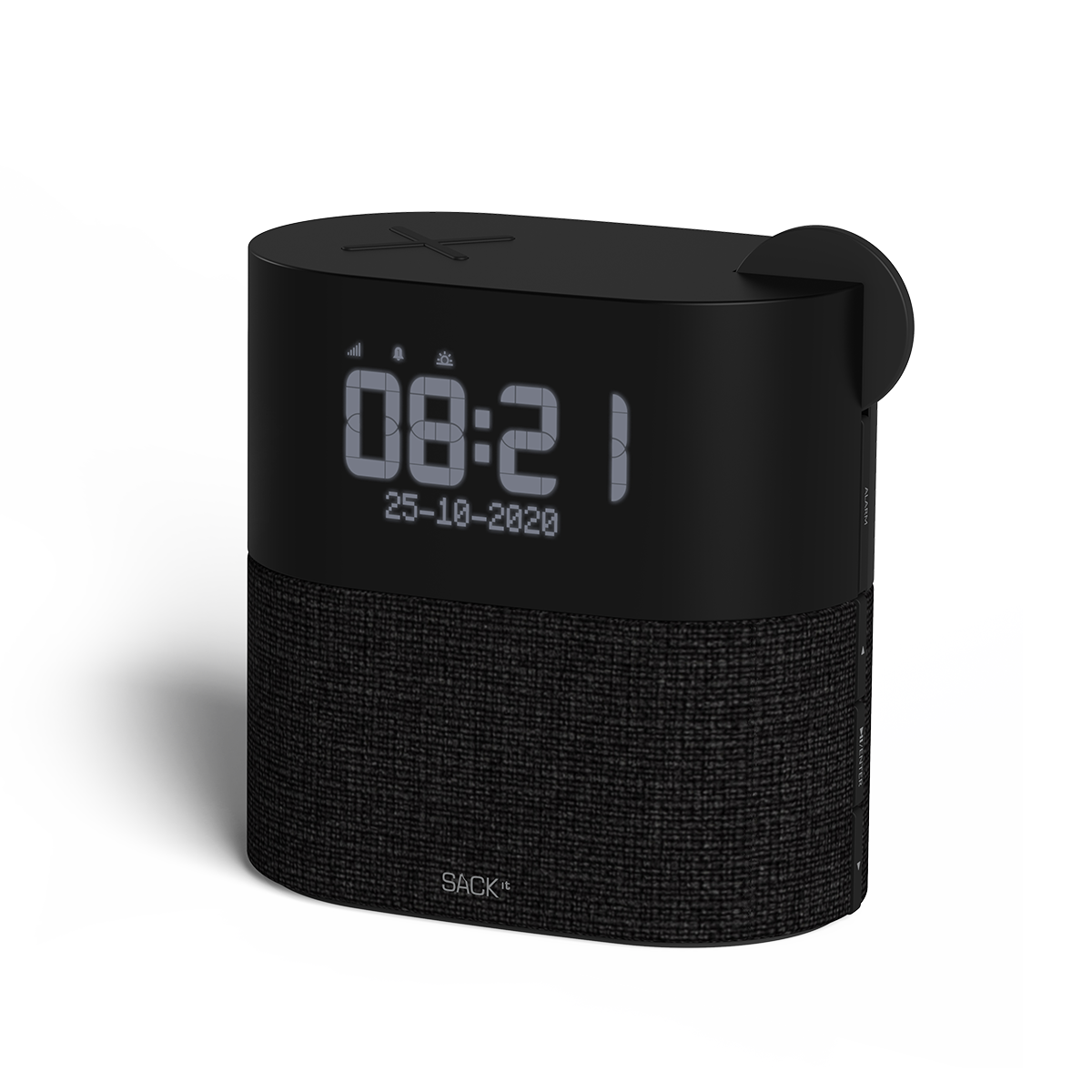
WAKEit S is an elegant all-in-one solution for the bedroom, kitchen or office. The clock radio is equipped with FM radio, alarm function, Bluetooth speaker, wireless charger, digital display with adjustable brightness and a wake-up light.
- Digital clockradio
- Wireless charger
- FM radio
- Bluetooth speaker
- Wake-up light
- Digital display with adjustable brightness
%%% Materials
- Polymer
- Soft touch Silikone
- Xpress fabric from Gabriel
Specifications
- Digital Clock Radio
- FM-radio
- Bluetooth Speaker
- Wake-up light
- Qi certified wireless charger, 10W
- Digital display with adjustable brightness which can be turned off completely
- Measurements: 150x95x150 mm
- Weight: 700 g
- WAKEit S does not contain a battery and must therefore be connected to power
Compatibility – wireless charger
- Compatible with all Qi activated devices
- Compatible with iPhone 8 and newer iPhones
- Compatible with Android devices that support wireless charging
- Compatible with Airpods Pro and Airpods with a wireless charging case
- Compatible with ROCKit, ROCKit X and WOOFit Go XQ
- Apple Watch CANNOT be charged on WAKEit S
Box content
- WAKEit S
- Power supply with EU plug
User manual
%%% Can WAKEit S get me up in the morning? Yes – and in a comfortable way! You can set it to wake you up with both light and sounds, so you get a perfect start to the day. How do I set the time and date on WAKEit S? Time and date are set under “Menu” and the WAKEit S has a small built-in battery, which allows it to remember the time and date even if the WAKEit S is disconnected from the power supply. How do I tune radio channels on WAKEit S? Setting up your favorite channels is simple and easy. Put WAKEit S on FM and press auto scan – it will find all radio channels by itself. Does the antenna need to be up when I’m using WAKEit S? If you have a good signal then it’s not necessary to have the antenna up. Can I wake up to my favorite channel? Yes, you can easily choose which radio channel you want to wake up to. Will I be bothered by the light from the display all night? No, we’ve made sure you won’t. It’s possible to set the display with 3 different light levels. Is there DAB+ in WAKEit S? No there isn’t. To get that you will have to choose WAKEit. What is the difference between WAKEit S and WAKEit? Our WAKEit has DAB+ radio and WAKEit S does not. User manual
%%%